Upload a recording
A lecture, meeting or interview
Video, audio, lectures and interviews. Upload your recording and keep the key points.
Upload a recordingIn your browser · sign-in required
A lecture, meeting or interview
Chapters, flashcards and visual explanations
Read online or save a PDF
Diagrams, charts and tables complement the notes when they help explain the material.
Ask about the recording: the chat uses the notes and chapters as context.
Save the PDF and transcript, review flashcards or send a link to colleagues.
Examples are in Russian
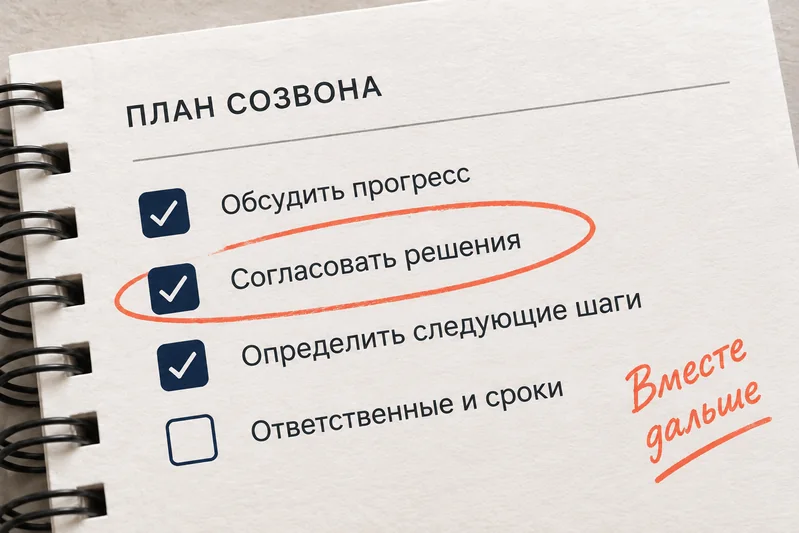
Structure and outcomes
The mp4 video or the m4a audio from the Zoom recordings folder — both work. From Telemost and Meet — the downloaded recording file.
Up to 4 hours per recording. If the meeting is longer, split the file.
Only you; when you open link access, the transcript is shown only if you enable it separately.