See connections
Diagrams, charts and tables complement the notes when they help explain the material.
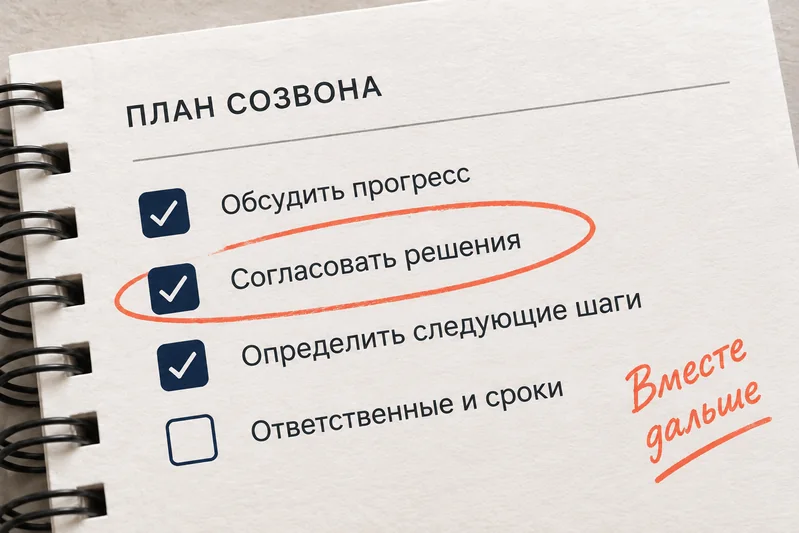
Turn your discussion into notes with decisions and tasks.
Make notesIn your browser · sign-in required
Weekly sync on release 2.0, onboarding and the investor demo
Release 2.0 moved to 18 September, leaving a week for testing after staging.
| Next step | Owner | Due date |
|---|---|---|
| Finish the database migration and deploy it to staging | Oleg | By Friday |
| Fix large file uploads, which are blocking the release | Ivan | By tomorrow |
| Tell the team about the release delay | Maria | Today |
Decisions, owners and deadlines appear in the notes when they were mentioned in the recording.
Diagrams, charts and tables complement the notes when they help explain the material.
Ask about the recording: the chat uses the notes and chapters as context.
Save the PDF and transcript, review flashcards or send a link to colleagues.
Examples are in Russian
Structure and outcomes
No. Lecta works with the recording: turn on recording in Zoom, Telemost or Google Meet and upload the file after the meeting.
From the speech: “Oleg will do it by Friday” becomes a task with an owner and a date. If you enter the participants and the meeting date on upload, deadlines get more accurate; doubtful tasks are flagged “check”.
Only you, until you open link access yourself. The link can be revoked at any time.